Menus
There are two menus for the B2Data Reports. Home and Favorite menus. Reports are organized in folders in each menu.
Home (Global)
This is the global menu for all reports. Users can print only reports that he has access permission for.
Only specific users have access to edit this menu, create folders in it and move reports from folder to folder.
Favorite
Each user has his own favorite menu, where he can organize the reports in folders according to his needs.
First time you click on your Favorites menu it'll be empty. In order to add folders and reports to it, right click on it and you will get the following menu
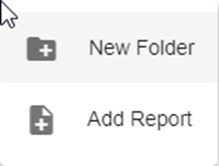
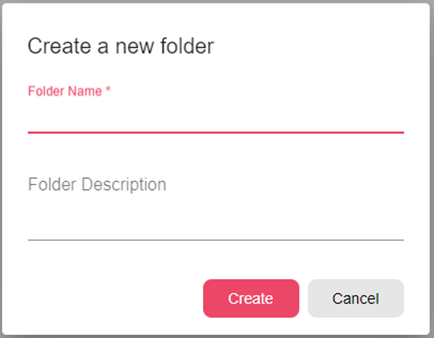
New Folder – You can insert the new folder name that you want to create. And it will create a new empty folder with this name in your Favorite menu.
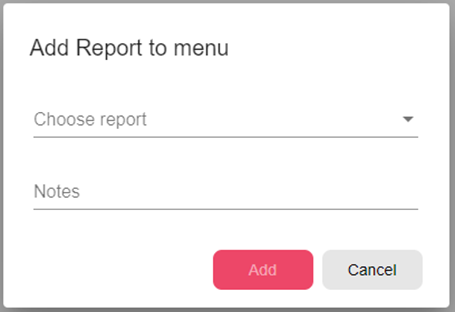
Add Report – Choose a report from the list to be added to your Favorite menu.