Settings
You can enter the settings by clicking on “Settings” in the right bottom corner of the B2Win Suite Desktop client:
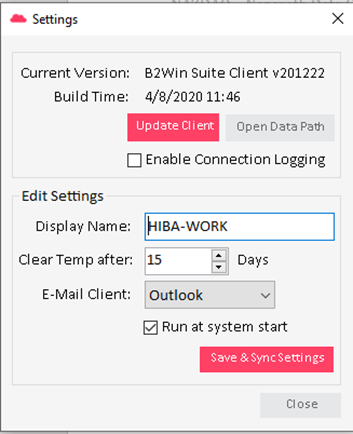
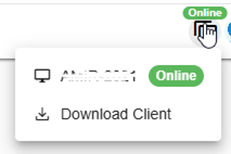
Here you can see the current version of B2Win Suite Client as you can update the client to the latest released version and open the file path of the client . In Edit Settings , you can change the Display name that will be seen in the Connected Clients in B2Win Suite.
Clear Temp after: Here you specify after how many days it should clean the temporary folder. E-Mail Client: The mail client used on your machine. Run at system start: You should set whether you want the Client to run on startup or not .