Clients
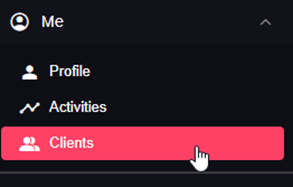
Clients page is as follows:
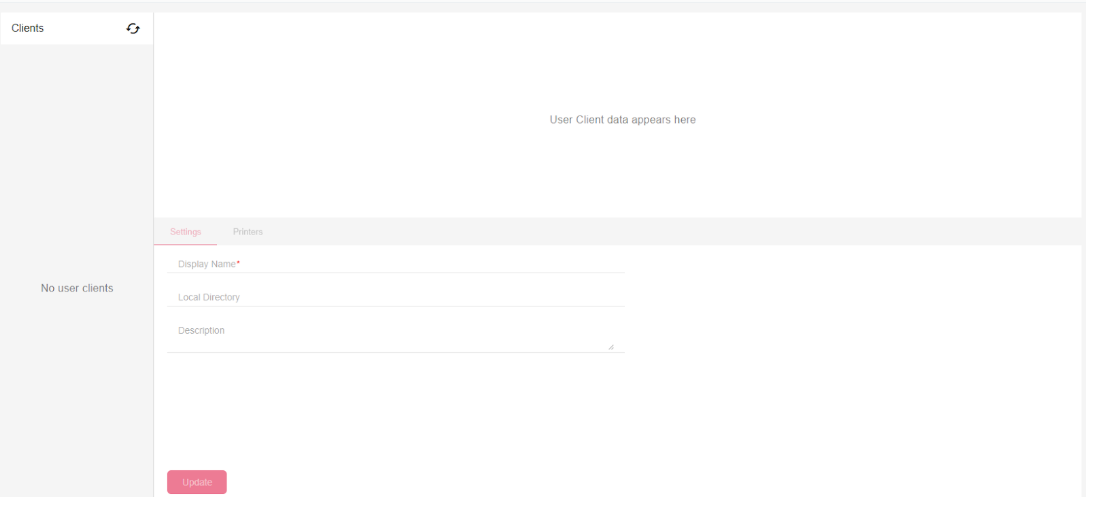
On the left side appears a list of the user clients that are available. Select a client to display its data on the right side.
Client Settings
You can edit the display name of the client Name that is displayed. You can also check where the local directory path is, and write a description if needed.
Printers
Under the printers tab, you will be able to see the printers that was detected by the client and which one is set to be your default.