Import Table (Excel)
This node allows you to read one sheet from an excel file into a DataFrame table. When you drag this node to your workflow diagram, you can see that it needs an input file.
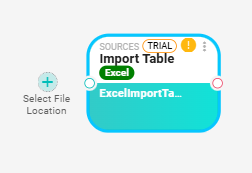
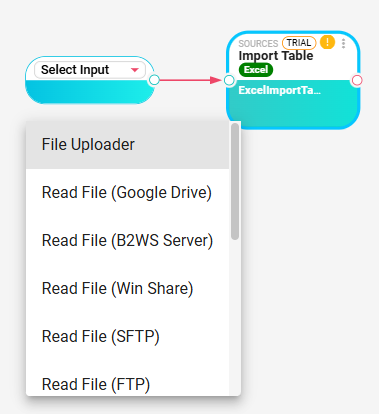
When you click on the plus sign  to select the file location, a new node will be added to the workflow with connection to the Excel node. You need to click on the Select Input and choose one source node from the list. And the one you choose will be the Excel source. Then you need to configure the source node before you open the Excel node for configuration.
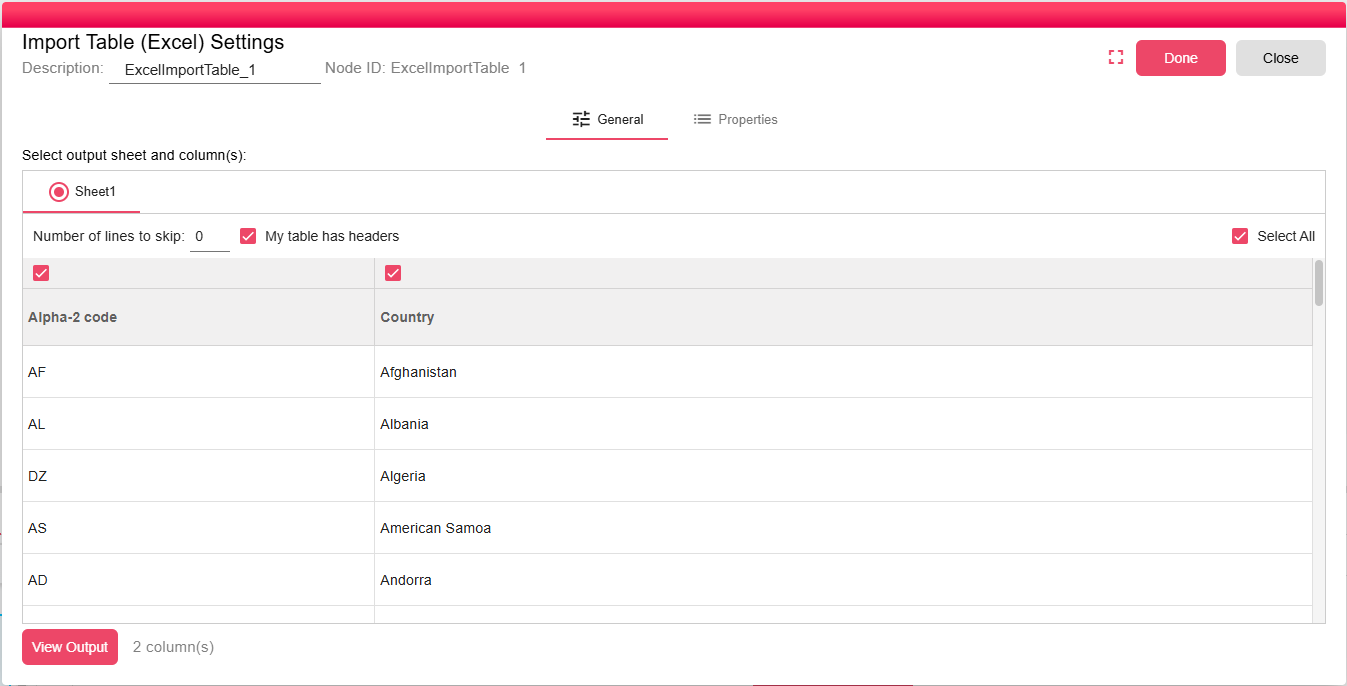
After you have selected and configured the source node, you can open the Excel node to select the sheet you want to get the data from. And then select the columns that should be included in the output. At least one column should be selected. And in the end you can click on the View Output button to get the output table preview.