Contacts
Add Contact
Click on the Contact tab to see all contacts
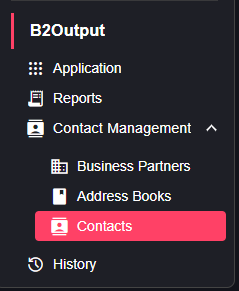
You can add a new one by clicking on the Add contact button at the right top of the page

You will be redirected to a form which you must fill then click the add button to finish adding a new contact
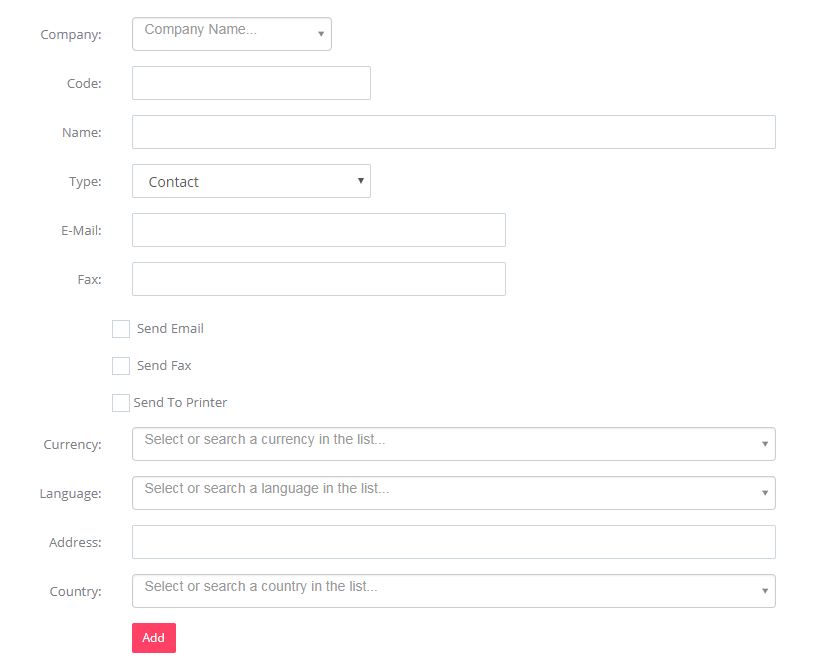
The Send Email, Send Fax and Send to Printer are the channels this specific contact would like to get his document through. Each contact can have different options and the smart engine will go through each contact preference and distribute accordingly.
Edit contact
You can edit the contact by going to “Contacts” and clicking on the “edit” button.

