B2Design
All reports can be designed in B2Win Suite and may have more than one design for each report. You can choose the design you need to use from the designs list before you click on run.
External Reports
Activate Designer
Every external report can be designed for your own needs. The design you make will be saved for the specified report, and other users can use this design when printing the same report to the B2Win Suite device.
Design per report
When System -> Settings -> System -> Multiple Designs/Customizations is off, then each report will have only one default design which will be used by all users. When the admin turns this option on, then Reports will have multiple designs, and can choose from the designs list in B2Design Application which to be used for each run.
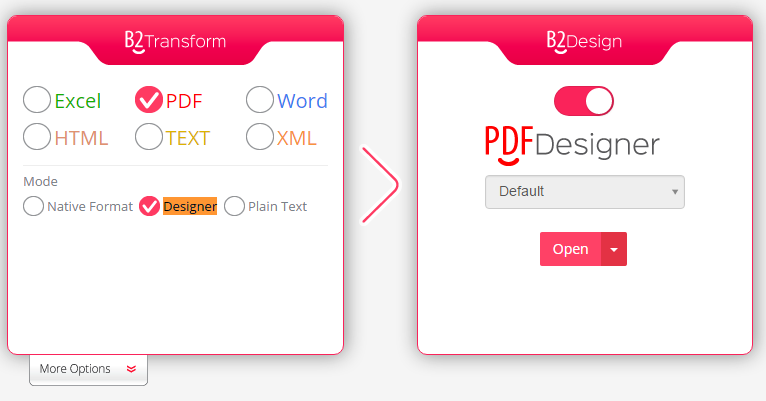
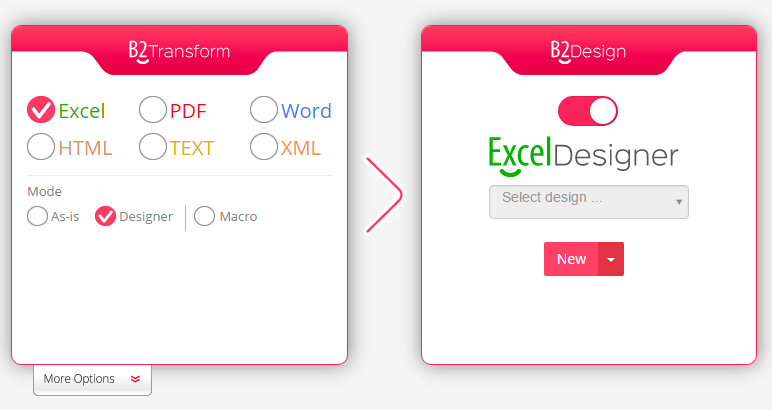
To enable the B2Design click on the Designer mode in Excel or PDF Formats depending on what format you want to Design, then click on open:
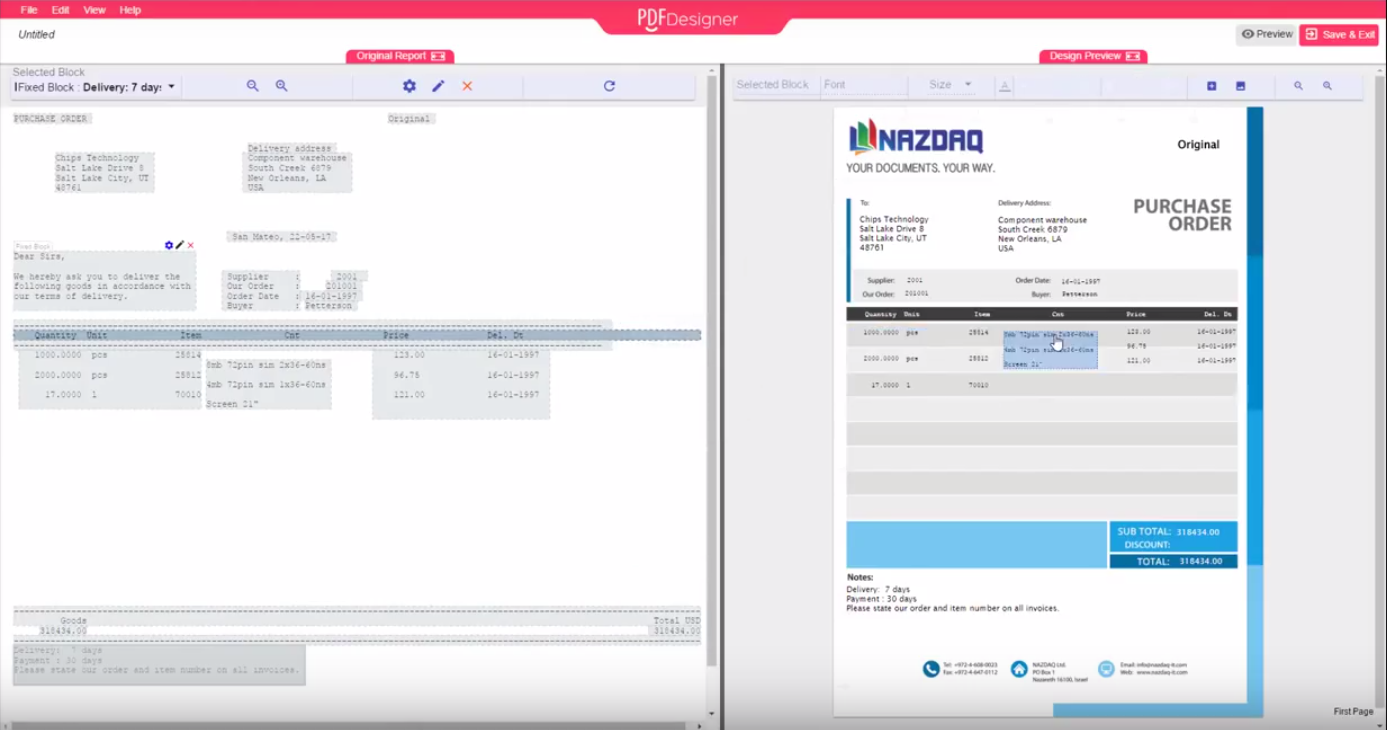
For PDF "Designer" mode:
For Excel "Designer" mode:
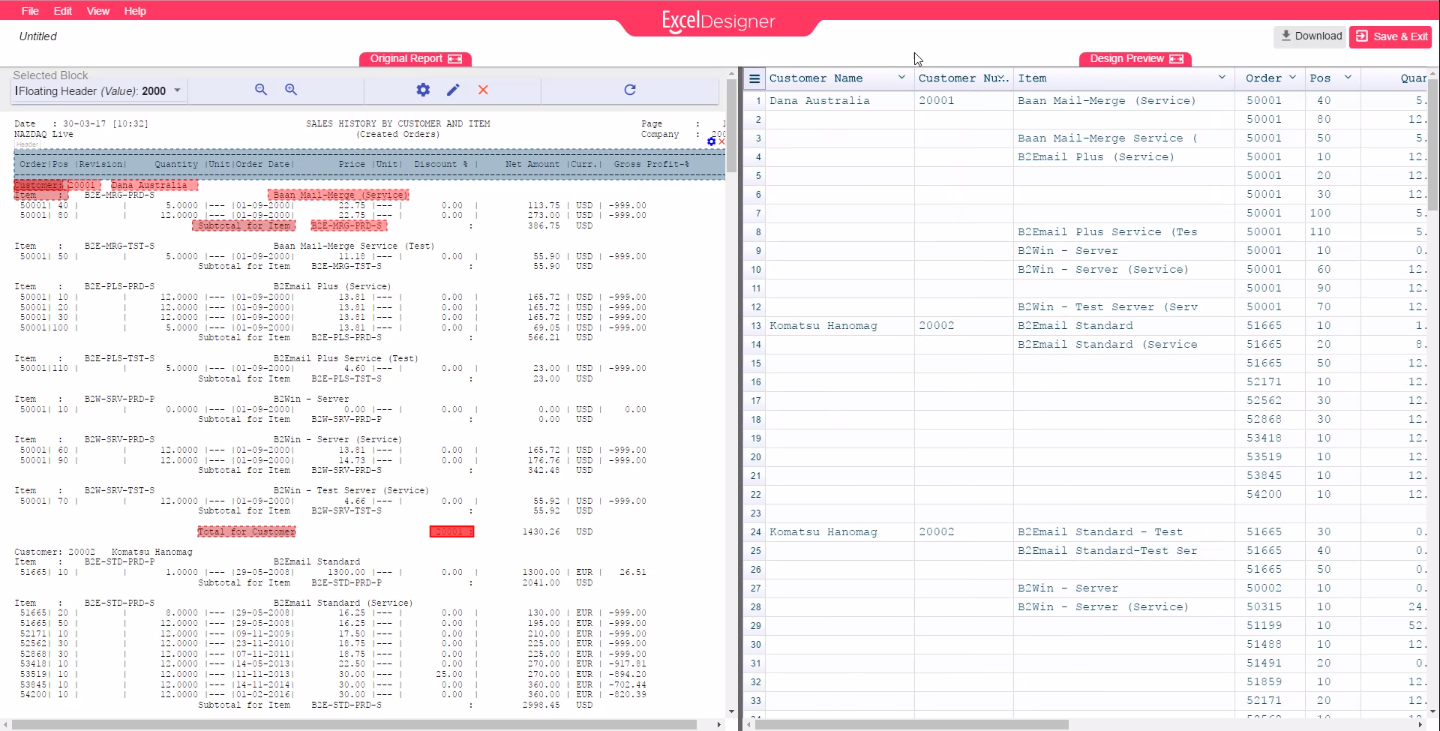
Another window will be opened, where you can design a template for your report.
For more details and how to use each designer check the Excel Designer or PDF Designer
Designer options
If a report is designed already and you wish to delete/export the old design, choose the design that you want then click on the arrow and click on Delete/export (you can see Delete and Import only if you have permission).

If you don't have any design yet, you can click on the New button or import from the arrow button.
