Input Servers
InputServer is from where the system will get reports from, you can consider an InputServer as a DB Source or an ERP or any other system that generates reports and sends it to the suite.
When printing for the first time from any device like Infor LN or Baan4 the InputServer will be automatically created and for the first time you need to activate it (Activated InputServers will use a license, you can’t activate more than the licenses you have installed)
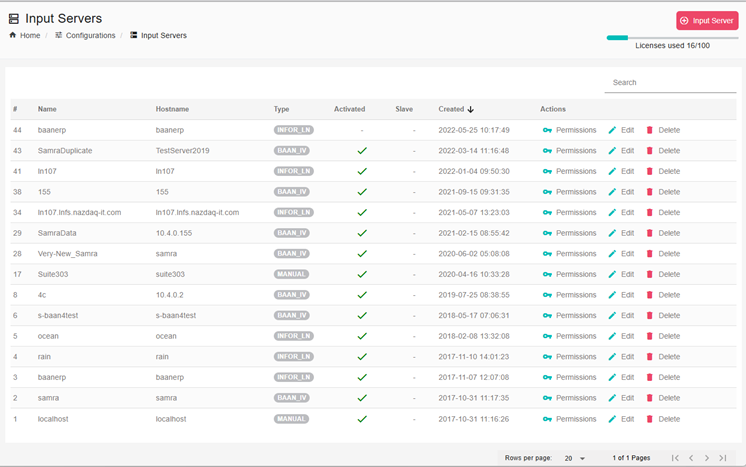
In order to view all the input servers in the system go to: Configurations -> Input servers and there you can see a list of all input servers there.
Create InputServer manually
If you want to create a new InputServer go to Configurations > InputServer and click on Create InputServer at the top
Permissions
Each InputServer when creating it automatically or manually will create a set of separate permissions, we call them Subjects to allow/deny specific users or user groups from each subject, more on this in Access Control List Section 10.5.
In the list of input servers you can click on Permissions and change the ACL for the specific inputserver.
Slave InputServer
You can also set an Input Server as a Slave to another Input Server, and then both input Servers will use the same Report configurations and settings.