If Else Condition
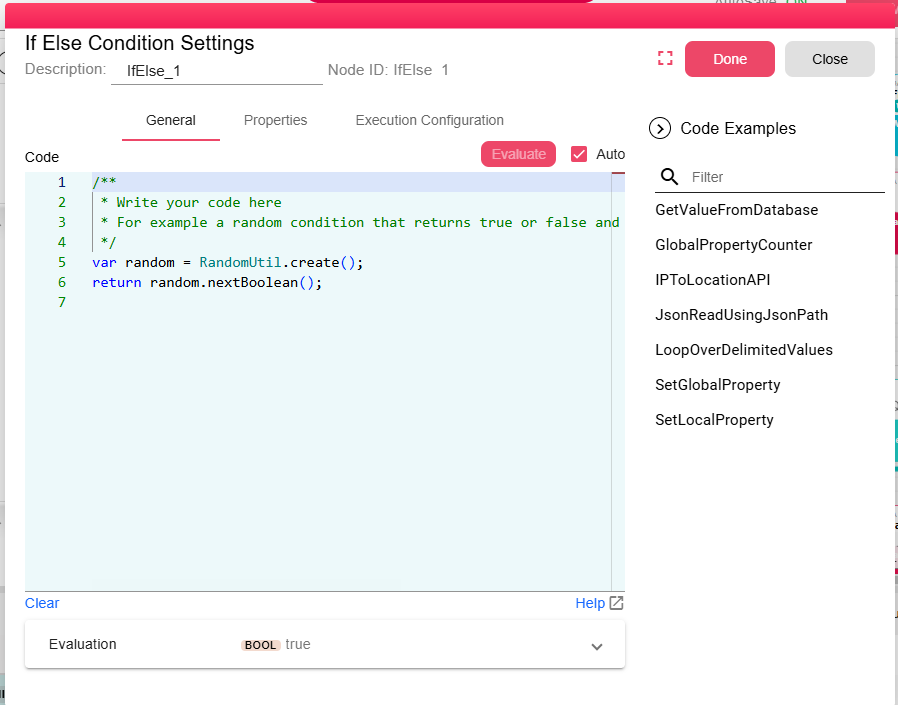
In case you need one or more paths in the workflow to work on special conditions, you can drag the If-Else Condition node and then you write a condition script that returns false or true. This node has two output ports, the True output port and the False output port.
When the condition value is true then the node passes the input it received through the true port, in case the condition value is false, it will pass the input through the false port.
In the condition script, you can use the node input value which could be file or data.
Helpful tips for writing your own script:
- Use ctrl+space for autocomplete
- Write util to get all function groups, pick one and then add dot to get all functions supported in the group you selected.
- Use NodeInputReader to get the nodes input object.
You can find a more detailed documentation in Scripting Documentation.